
Petit Planet is scheduled to launch on December 4, 2026. For players who want to prepare in advance, the most important thing right now is not researching an unverified early-game progression route, but clarifying the pre-registration account, web event, and reward-claim requirements. Successfully pre-registering, completing the event, and receiving rewards after launch are three separate steps.
This guide is compiled based on information announced as of November 6, 2026, and covers the international server. If you plan to play on the Chinese mainland server, use the official website and account system for the corresponding region. The international server's HoYoverse account and event rules cannot be applied directly to the Chinese mainland server.
What to Prepare Now for the December 4 Launch
The launch date that can currently be confirmed is December 4. The specific opening time, client download arrangements, and device requirements should be checked after the official launch announcement for the relevant region is published. The same calendar date does not mean that every region will be able to enter the game at local midnight, and the estimated time shown in a store should not be treated as the final launch countdown.
At this stage, you can decide which account you intend to use and confirm that its email can receive verification messages normally. If you use different email addresses for multiple games, it is recommended that you keep the pre-registration and web event tied to the same account this time. After launch, log in and create a character with that account; finding your rewards later will be much easier.
For your device, simply check the available storage, system updates, and login method for now. Unconfirmed minimum requirements should not be used to conclude that an older phone will definitely run the game. The pre-download schedule should also wait for notification from the relevant region; there is no need to install a client from an unknown source in advance.
Pre-registration Rewards: Distinguish Pre-registration from Milestones First
The pre-registration page features the Bestie Star-Light and Sproutling Outfit among its rewards. Check the requirements attached to each item before adding it to your launch-day checklist.
It is important to distinguish between your personal pre-registration completion status and the global pre-registration milestones. The former requires you to confirm whether your own pre-registration was successful, while the latter is related to the total pre-registration progress and unlock conditions shown on the page. You cannot assume that an item has already been delivered to your in-game mailbox simply because it appears in a promotional image.
After completing pre-registration, return to the page and check the account and pre-registration status. If the page still shows that it has not been completed, first confirm that you are logged in with the account used moments earlier, then check whether the current step was submitted successfully. Keep a screenshot showing the pre-registration status for comparison after launch; the screenshot is only your own record and does not replace any event requirement.
The reward-claim method, applicable characters, and deadlines must also be confirmed separately according to the instructions for each event. Pre-registration rewards and web event rewards are not part of the same distribution, so the rules for one should not be generalized to all benefits.
How to Participate in the Launch a Planet Event
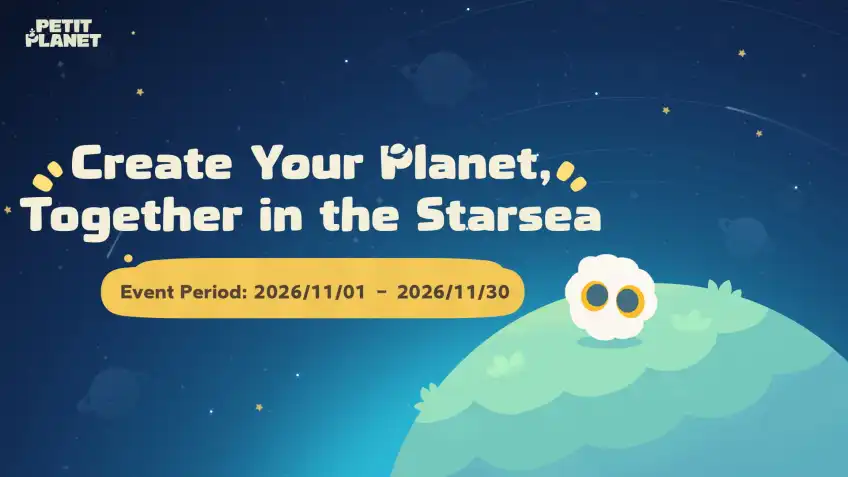
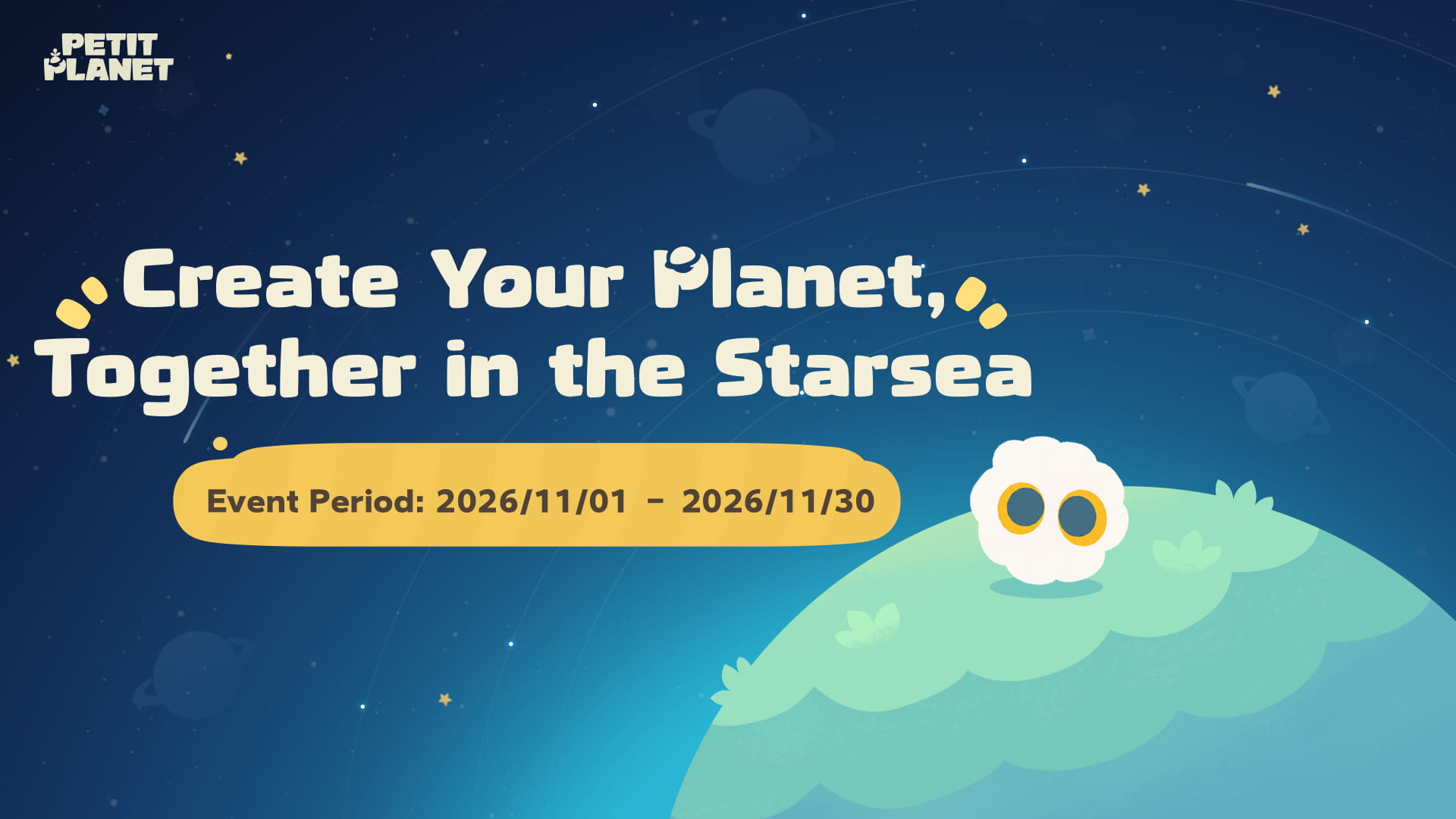
Launch a Planet is the international web event. The event runs from November 1, 2026, through 23:59 on November 30, 2026, in the UTC+8 time zone. Players overseas should convert this to their local time to avoid assuming that the event will continue until late at night on November 30 in their own region.
After entering the event, first log in with the HoYoverse account you plan to use in the full game. The page provides tools such as brushes and stickers, allowing you to design your own planet, enter a name, and submit it. The work must pass review before it appears in the event's display of planets; successful submission does not mean it has already been displayed.
After completing the design, check the task list as well. Creating a design and claiming task rewards are two separate steps. After completing either operation, return to the task page to confirm that the status has updated before handling any claimable items. Do not simply save an image of your work and close the page while waiting for launch.
If your work does not appear immediately, first check the submission status and review notice. There is no need to repeatedly switch accounts and redo the process, as this can instead scatter your task progress across different accounts. You also do not need to include your real name, contact details, or other personal information in the work; the planet's name and image are enough to express your creativity.
How Web Rewards Are Delivered In-Game
The in-game rewards from this event will be distributed in batches through in-game mail after the official launch. The HoYoverse account used to participate must be the same account used to enter the game after launch. In addition, you must create a game character before 23:59 on December 30, 2026 (UTC+8).
This date serves a different purpose from the web event deadline of November 30. Before November 30, you need to handle participation in the web event and make progress on its tasks. Before December 30, you need to complete the qualifying character creation. If you mistake the latter date for the deadline for continuing to participate in the web event, you will miss the actual participation window.
Do not interpret “distributed after launch” to mean that the rewards will necessarily arrive in the first second after entering the game. Since they will be sent through batch mail, if you do not see the rewards on launch day, first check the login account, character creation status, and event task records, then look for subsequent distribution notices. If something goes wrong, having these records ready will make troubleshooting easier than repeatedly registering new accounts.
The lottery and task rewards on the web page should also be considered separately. A lottery opportunity does not guarantee a win, and the full list of displayed prizes does not mean that every participant will receive them. When planning your rewards, count only the items whose requirements you have already met and treat the rest as additional opportunities.
If You Have Pre-Registered, Do You Still Need to Join the Web Event?
Whether to participate mainly depends on your interest in the creative gameplay and the associated rewards. Your pre-registration status will not automatically complete the planet design, review submission, or event tasks for you. Likewise, after completing the web event, you should return to the pre-registration page to confirm your own pre-registration status.
If you are short on time, confirm your account and pre-registration first, then review the web event task list once in full. Choose the parts you are willing to complete, and check the claim records after finishing them. There is no need to spend time on every item displayed on the page. If you have not yet decided which account to use, determine the account before starting to reduce the trouble of repeating the process later.
If you are waiting for launch with friends, each person should also save their own participation records. Forwarding the event page to a friend does not mean that the other person has successfully pre-registered, nor can it replace completing the tasks under the correct account. Reminding each other about the account and deadline before launch is more convenient than discovering near the reward-distribution date that the wrong account was used.
How to Check Your Rewards on Launch Day
First enter the game with the account used to participate in the event, create a character according to the in-game process, and then check the available mail and event entrances. Keep pre-registration rewards and web task rewards in separate records: which have been claimed, which are still pending, and which requirements have not yet been met should all be clear at a glance.
If you want to play on another device, first confirm that the same account is logged in on the new device. Similar nicknames do not prove that the accounts are the same; the login identity shown on the page and the actual login method are what you should check. Any unfamiliar page that asks for a password or verification code to claim pre-registration rewards on your behalf is not worth trying.
This guide does not treat unverified redemption codes or early-game benefits as guaranteed rewards. After the official launch, once the relevant rules can be confirmed in-game, compiling the redemption entrance and validity period will be more useful than saving a string of codes from unknown sources in advance.
Final Pre-Registration Checklist
The things you can do now are clear: confirm your international server account, complete pre-registration, participate in Launch a Planet according to your interests, and record the event deadline of November 30. After the December 4 launch, create a character with the same account and check your in-game mail. At the latest, do not miss the character-creation deadline of December 30 specified by the web event.
That is enough preparation for now. You can take your time thinking about your planet design, while it is worth checking the event progress along the way. Once you actually enter Petit Planet, explore, decorate, and get to know your new neighbors at your own pace instead of turning an eagerly anticipated new life into a rush to complete tasks.